TradingView Alerts
Written by
A Sign Of Time
Head of Education & Toodegrees Analyst
Key Summary
- Alerts notify traders of key price levels.
- Reduce the need for constant screen time.
- Improve discipline and execution timing.
- Can be based on price or conditions.
Description
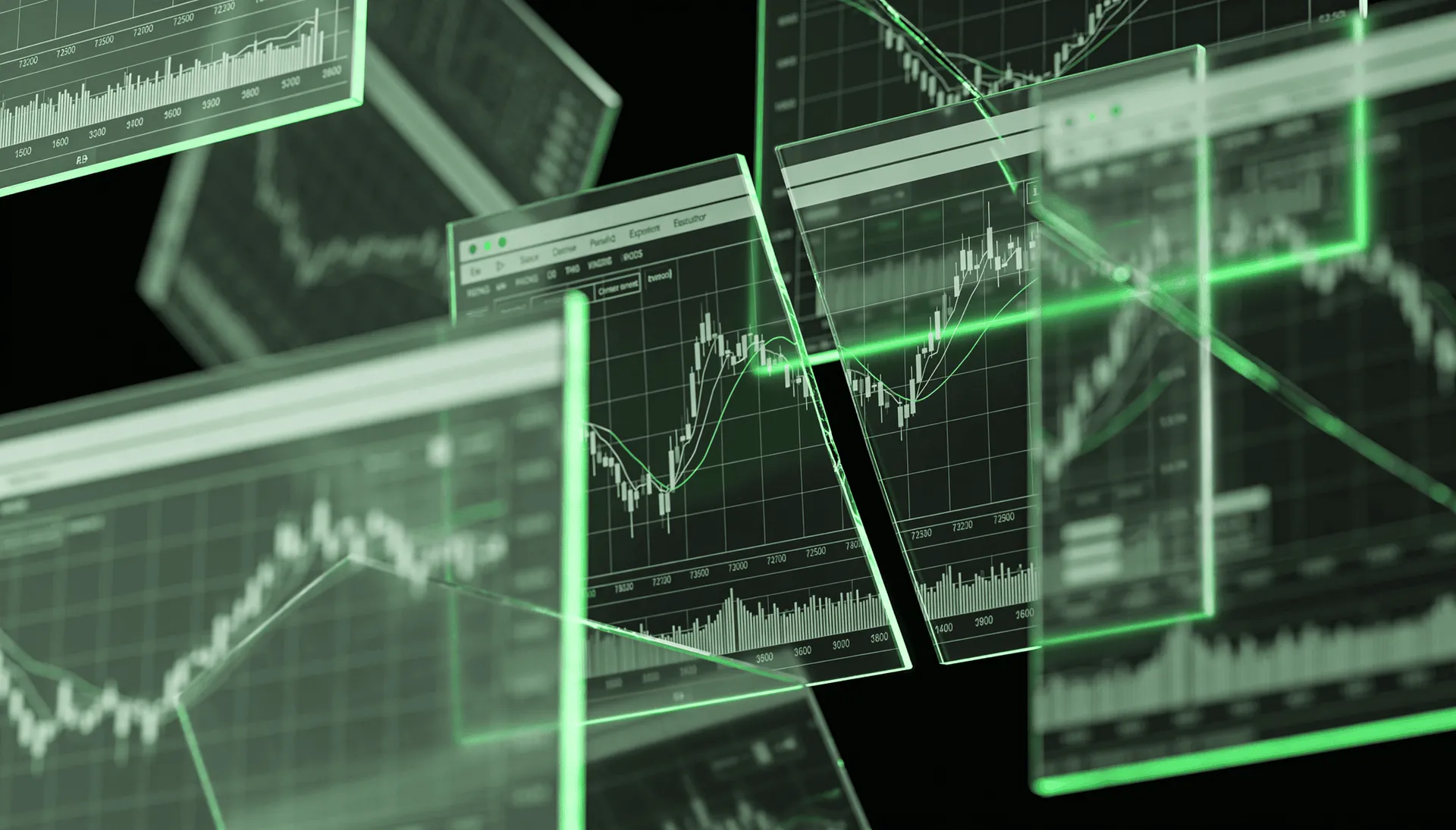
TradingView alerts allow traders to automate parts of their workflow by receiving notifications when specific conditions are met. These alerts can be based on price levels, indicator signals, or custom conditions.
Instead of constantly watching charts, traders can set alerts at important levels such as support, resistance, or liquidity zones. This helps reduce screen time and prevents impulsive trades.
Alerts also support discipline. By waiting for predefined conditions, traders are less likely to enter trades based on emotion or randomness.
Key Questions
Alert Types
| Alert Type | Use Case |
|---|---|
| Price alert | Key level reached |
| Indicator alert | Signal triggered |
| Conditional alert | Custom strategy |
Alert systems are widely used by traders to automate monitoring and improve execution discipline.
Get $15 Off TradingView
Upgrade your charting experience with TradingView. Use our community link to get $15 off any TradingView plan.
Related Resources
Continue Reading
Ready to Automate Your Analysis?
Join 30,000+ traders using Toodegrees indicators to save time and find higher-probability setups.